

There are more free study apps than anyone could try in a year, and most promise to transform your results. In practice, results come from the system behind the tools: what you capture, where it lives, how you review it and how you protect your time. The app is only the container.
Instead of listing forty tools that will be outdated by next term, this guide covers the categories that matter, what to look for in each, and how to combine a small set that works together.
Start with the system, not the app
Before you install anything, answer four questions:
- Where will notes from class, books and videos go?
- How will those notes turn into practice and revision?
- Where will tasks and deadlines live?
- How will I protect focused study time?
Each answer points to one tool category. If you already have an answer that works, such as paper notes, keep it.
Note-taking apps
A note-taking app is your long-term memory outside your head. Options range from the notes apps built into phones and cloud accounts to workspace tools and markdown-based knowledge bases; most offer a free plan, but check what the current tier includes.
Look for:
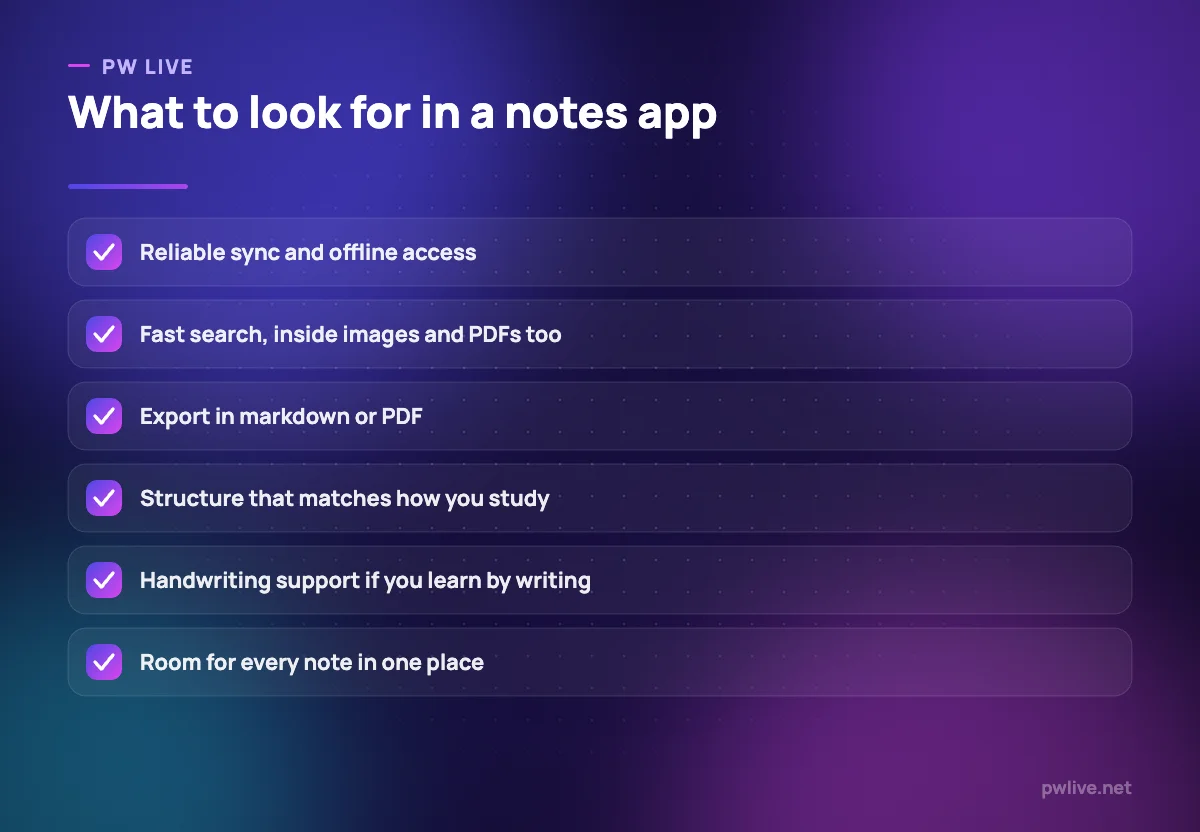
- Reliable sync and offline access, so notes exist on phone and laptop and survive a bad connection.
- Fast search, ideally inside attached images and PDFs as well as text.
- Export in an open format such as markdown or PDF. If you cannot get your notes out, you do not own them.
- Structure that matches how you study: folders and tags for revision, links between notes for concept-heavy subjects.
- Handwriting support if you learn by writing, especially for maths and diagrams.
Whichever you choose, keep all notes in one place; splitting between apps guarantees you will not find what you need during revision.
Flashcards and spaced repetition
Spaced repetition means reviewing material at growing intervals, just before you would forget it; flashcard apps automate the scheduling.
Look for:
- A scheduling algorithm rather than a simple shuffle.
- Support for images, formulas and cloze deletions (fill-in-the-blank cards).
- Quick card creation and the option to import shared decks.
Make cards in your own words, keep them atomic (one fact per card), and review daily rather than in bursts.
Task managers and planners
You need one place for deadlines, assignments and daily study targets. The task apps bundled with major email and cloud accounts are enough for most students.
Look for:
- A calendar view for exams and deadlines alongside a list view for daily tasks.
- Cross-device sync with fast mobile capture, so adding a task takes five seconds.
- Simplicity. If setup takes longer than the work, it is the wrong tool.
Pair the task list with a weekly review where you plan the next week’s study blocks. The productivity page covers how to run one.
Focus and timer tools
Focus tools do two jobs: measure your study blocks and make distraction slightly harder.
Look for:
- A timer for work and break intervals with a simple log of completed sessions.
- App or website blocking during sessions, ideally through your phone’s built-in focus or wellbeing settings, which need no extra install.
- Minimal notifications of their own; a focus app that keeps pinging you has missed the point.
The most effective focus tool remains putting the phone in another room. Use apps to support that habit, not replace it.
Research, files and collaboration
Reading and reference
For research-heavy courses: academic search engines and your library portal for finding sources, a reference manager that stores citations and generates bibliographies, and a PDF reader with highlighting and search.
Cloud storage
Lost files cost more study time than any app saves. Set up one cloud folder per academic year with one subfolder per subject, use consistent file names, and back up notes exports and photos of handwritten work automatically.
Study groups
Use shared documents for collaborative notes, one group channel with clear norms, and a shared calendar for sessions. Agree on response times early so the group does not become another distraction.
Build your stack and keep it small
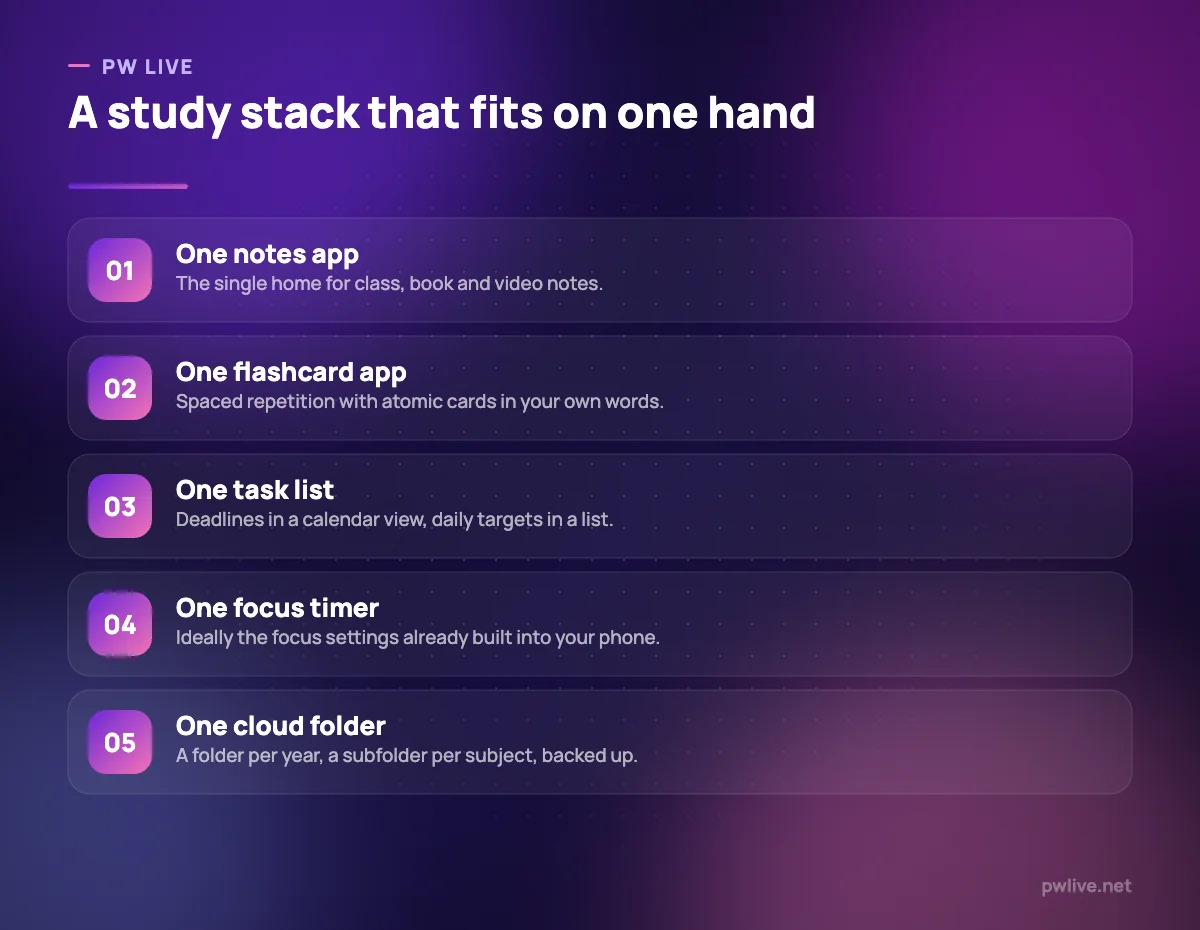
A student’s tool stack should fit on one hand:
- One notes app.
- One flashcard app.
- One task list with a calendar.
- One focus timer, ideally built into the phone.
- One cloud folder.
Rules for keeping it healthy:
- One tool per job. If two overlap, remove one.
- Prefer tools with an export path, so switching later is painless.
- Review the stack once a term and remove what you stopped using.
- Ignore new tools during exam season. Switching costs focus.
For reviews as tools change, follow the apps and tools category and the technology category.
Key takeaways
- The system matters more than the app: decide where notes, practice, tasks and focus live first.
- Choose a notes app with sync, search and export, and keep all notes in one place.
- Use a spaced-repetition flashcard app daily, with atomic cards in your own words.
- Keep tasks and deadlines in one list with a calendar view and a weekly review.
- Limit your stack to five tools, prefer ones with export, and review it each term.
Frequently asked questions
Do I need paid versions of these tools as a student?
Usually not. Free tiers of the major tools cover typical student needs; check the current limits before relying on a feature, since plans change.
Is it better to take notes by hand or digitally?
Both work. Handwriting suits maths, diagrams and first-pass understanding; digital notes suit search and revision. Many students do both and photograph handwritten pages into their notes app.
How many study apps is too many?
If you spend more time managing tools than studying, you have too many. Five well-chosen tools cover almost everything a student needs.
Keep learning with PW Live
Browse every guide in Apps & Tools, or pick a skill track and follow the roadmap step by step.





Leave a Reply