

Spreadsheets for students are the most underrated tool on any laptop: free, offline, and capable of running both your revision plan and your money without a single subscription.
You do not need to be good at them. Five formulas and one habit cover almost everything a student actually needs, and the rest is just typing in rows.
This guide covers what to build, the small set of functions worth learning, how to keep a tracker alive past week two, and where a spreadsheet is the wrong answer.
Why a spreadsheet beats a dedicated app for tracking
Specialised trackers are pleasant until they do not do the one thing you need, and then you are stuck.
A spreadsheet has three advantages that matter over a full academic year.
- It bends to your situation. Add a column at any time. No feature request, no upgrade.
- It is portable. Sheets open in almost any office suite, cloud or installed, and export cleanly to CSV or PDF.
- It shows the whole picture at once. Scrolling one grid to see a term of work is genuinely useful in a way a card-based app rarely is.
The trade-off is that nothing is automatic. A spreadsheet does exactly what you tell it and nothing more, which is why the design of the sheet matters more than the software.
The five functions that cover most student needs
Learn these and stop. Everything else can wait until you have a specific problem.
- SUM for totals: spending, marks, hours studied.
- AVERAGE for trends: mock test scores, weekly study hours.
- COUNTIF for progress: how many topics are marked done, how many days you logged.
- IF for simple flags: mark a topic “revise” when confidence is below your threshold.
- SUMIF for grouping: total spend per category, total marks per subject.
Add two features that are not formulas but do more work than any of them: conditional formatting, which colours cells automatically so weak topics stand out without you reading numbers, and freeze panes, so your headers stay visible when the sheet gets long.
Sorting and filtering come next. Being able to filter a syllabus tracker to “not revised in 30 days” turns a static list into a revision queue.
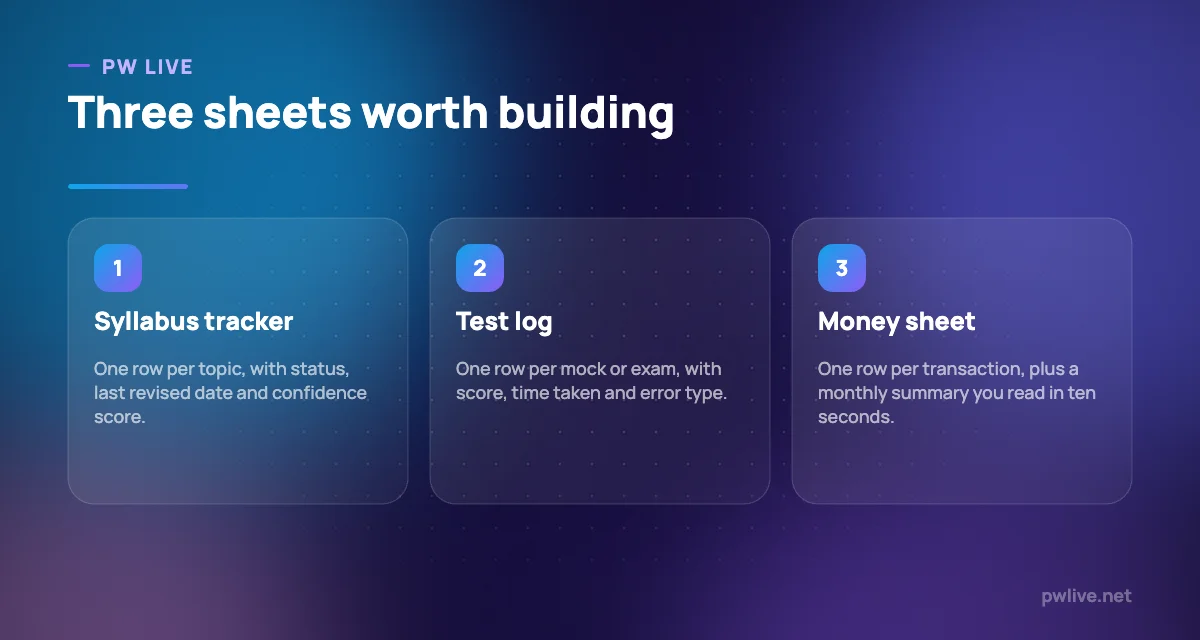
A syllabus tracker that drives revision
This is the highest-value sheet for anyone preparing for boards, JEE, NEET, CUET or a government exam.
One row per topic, and these columns:
- Subject, chapter, topic
- Status: not started, in progress, done
- Date last revised
- Confidence, scored 1 to 5 by you
- Source of the last practice, such as a chapter test or a past paper
- Notes: the specific thing you keep getting wrong
Two rules make it useful. Update the date every time you touch a topic, and be honest with the confidence score. A tracker full of optimistic fours is a comfort object, not a plan.
Now filter for confidence of 1 or 2, sorted by oldest date revised. That list is your next week, and it slots straight into a weekly study timetable or your calendar blocks.
A test log that tells you what to fix
Marks alone teach you nothing. A test log turns each mock into information.
One row per test, with columns for date, paper, score, time taken, questions attempted, questions skipped, and a count of each error type: silly mistake, concept gap, misread question, ran out of time.
After four or five tests, the pattern is unmistakable, and it is almost never what you assumed. Someone convinced they have a physics problem often has a time-management problem in section three.
Pair the log with our guide to analysing a mock test properly, and use the error columns to decide what the next fortnight of practice looks like. The same structure works for skills outside exams, as described in tracking your skill progress.
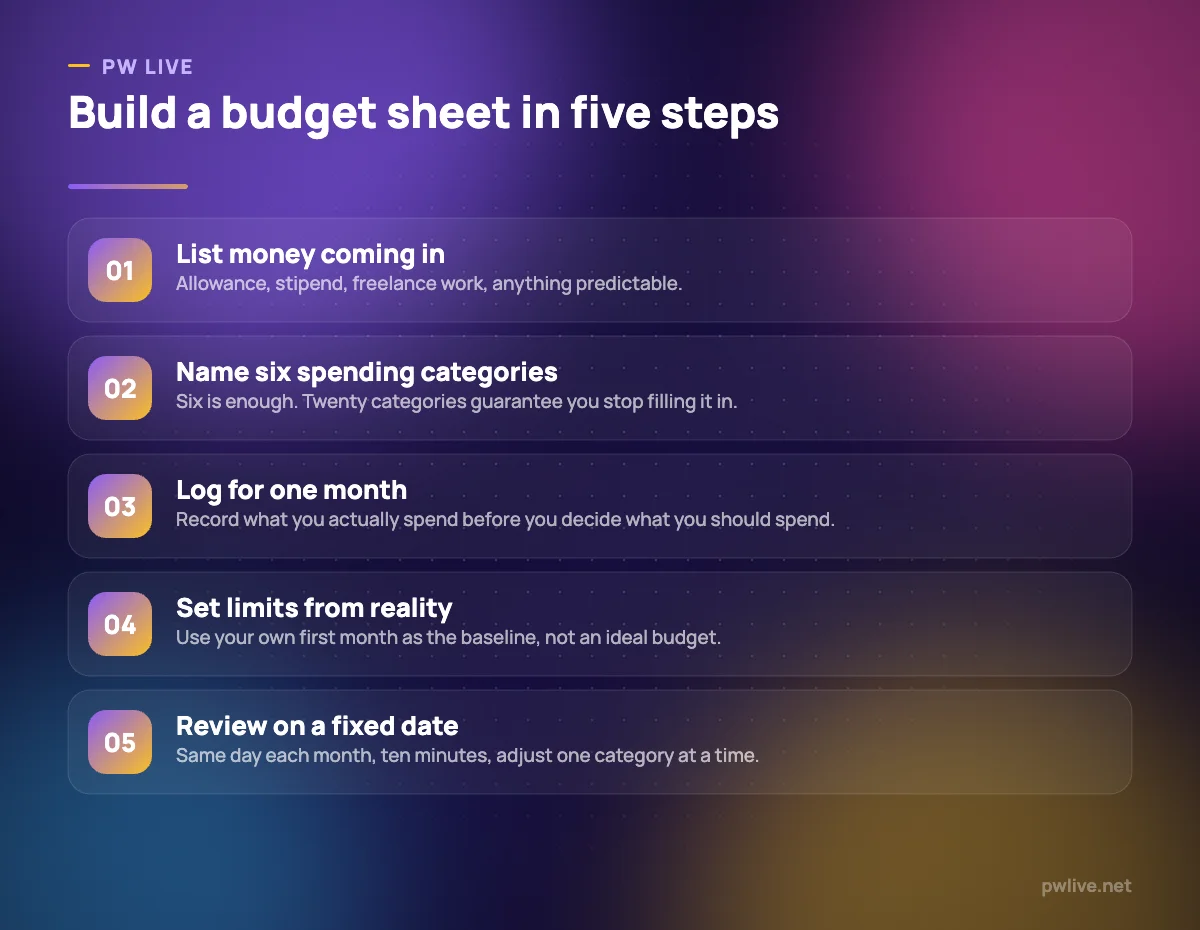
A money sheet you will actually maintain
Budgeting apps ask for bank access and then categorise things wrongly. A sheet is slower to fill in and far easier to trust.
Keep it deliberately small:
- A transactions tab: date, amount in rupees, category, note.
- A summary tab: SUMIF per category, plus totals for the month.
- Six categories at most. Food, travel, study materials, phone and internet, social, other.
Log spending in the moment. Most UPI payments take five seconds to record, and a week of catching up never happens.
After one month you have a baseline. Only then set limits, because a budget built on guesses collapses immediately. Our guide to personal finance for students covers what to do with the surplus once you find one, and setting money goals you will stick to covers keeping it going. There is more in the finance category and the personal finance skill track.
Habits that keep a tracker alive
Most spreadsheets die in week two. These habits prevent it.
- Update at a fixed time, such as the last ten minutes of your study session, not whenever you remember.
- Keep it to one screen where possible. If you need to scroll sideways, you have too many columns.
- Never use colour as the only meaning. Colour the cell and keep the value, so filters and formulas still work.
- Do not merge cells. Merged cells break sorting and filtering, which is most of what a tracker is for.
- Keep raw data and summaries on separate tabs, so you can restructure the summary without touching your records.
- Make one copy per term, not one file per week, and archive the old one.
When a spreadsheet is the wrong tool
Be honest about the limits.
- Long-form notes belong in a notes app, not a cell.
- Anything shared with more than a few people who all edit at once will get messy fast.
- Sensitive records, such as anything with financial identifiers, should not sit in a casually shared file.
- Genuine inventory or order management for a growing business outgrows a sheet quickly, as our guide to inventory management basics explains.
Compare current spreadsheet options yourself. Cloud suites, installed suites and open-source alternatives all handle everything in this article, and the right pick depends on your hardware and how often you work offline.
Key takeaways
- Five functions, conditional formatting and filters cover almost every student use.
- A syllabus tracker with dates and honest confidence scores becomes a revision queue.
- A test log with error types shows what to fix; raw scores never do.
- Budget from one month of real logged spending, not from an ideal plan.
- Keep raw data and summaries separate, avoid merged cells, update at a fixed time.
- Move to a proper tool once sharing, notes or inventory outgrow the grid.
Frequently asked questions
Do I need to learn advanced spreadsheet formulas?
No. SUM, AVERAGE, COUNTIF, IF and SUMIF handle nearly everything in study planning and budgeting. Learn anything more only when a real problem demands it.
Should I use a cloud spreadsheet or an installed one?
Cloud tools win on sharing and automatic version history; installed tools win offline and on older machines. Pick based on how reliable your internet is and whether you collaborate.
Are downloadable spreadsheet templates worth using?
They are a useful starting point, but most are built for someone else’s course and habits. Strip a template down to the columns you will genuinely fill in.
How often should I update my trackers?
Study trackers after every session, the money sheet at the moment you spend, and both summaries once a week. Anything less frequent and the data stops being trustworthy.
Keep learning with PW Live
Browse every guide in Apps & Tools, or pick a skill track and follow the roadmap step by step.





Leave a Reply